How to Price Your Items
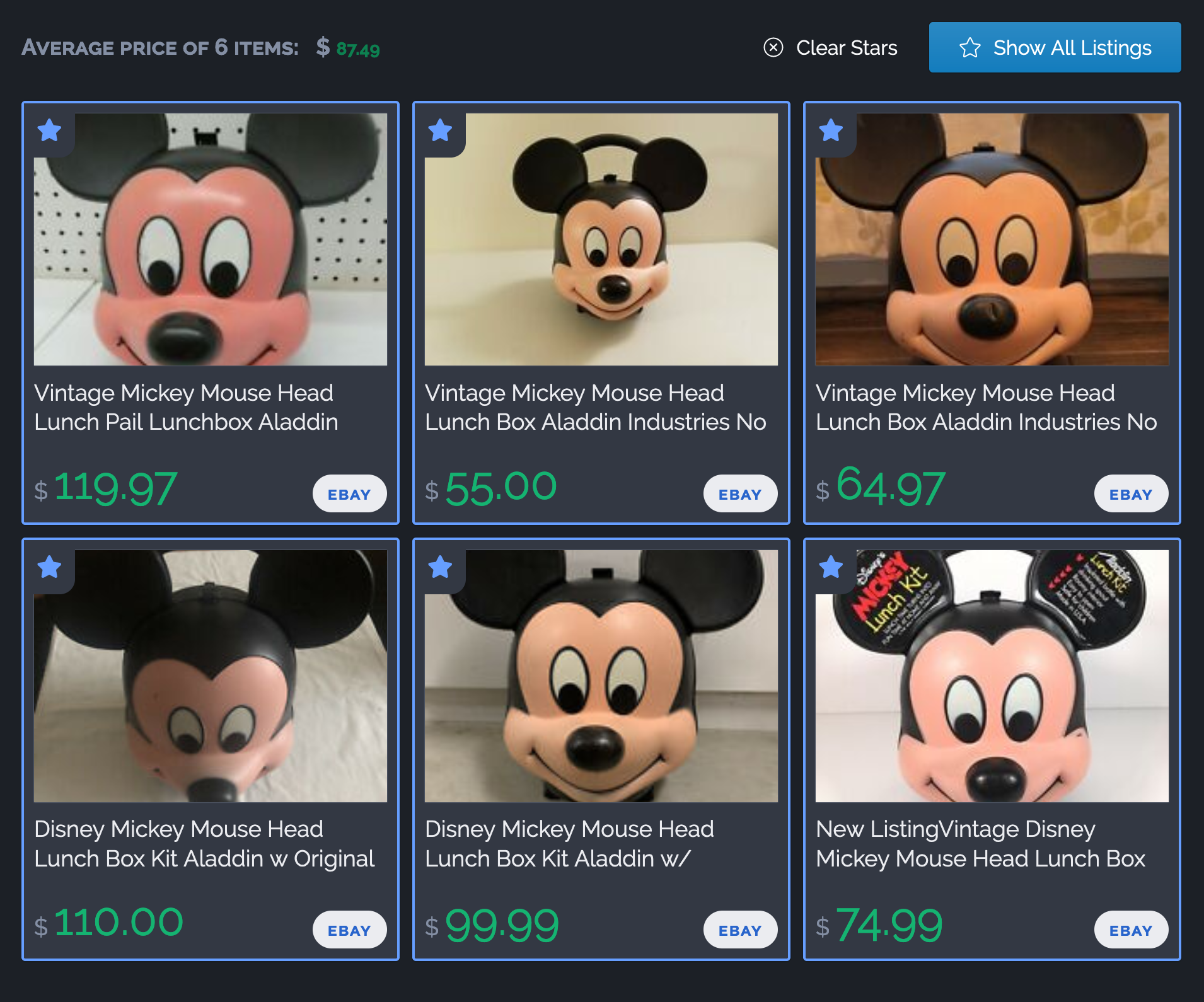
I’ve always found that figuring out what to charge for stuff is hands-down the hardest parts of being a vendor. When I talk to other vendors about how they price their stuff, they usually do something like this:
- Figure out what the thing is (“Oh, hey, it’s a ‘Royal Copley’ figure of a cat”).
- Search eBay for the “royal copley black cat”.
- Look at a smattering of listings that sold and compare the item’s quality to theirs.
- Repeat step 3 for RubyLane (to see higher-quality stuff) and/or Etsy (if it’s more of a craft-y thing vs. a true antique).
- Guesstimate a price somewhere in the middle of all the listed prices for the sold listings.
And that works! The only downside is that it can be really tedious to search a bunch of different sites and trawl through their listings, and I always end up with a dozen+ tabs open that I want to compare. Clicking through all of ‘em, trying to figure what the right ‘middle ground’ price ought to me: it’s tedious!
So we built Price Parrot to help automate that. It’s a free (100% free, no paid tiers or anything) tool to help antique dealers search a bunch of marketplaces at once and come up with an estimated price. Right now it searches:
- eBay
- Ruby Lane
- The Internet Antique Shop (TIAS)
- Etsy
- Go Antiques
…and pulls the results from all of them into one unified list that just shows you the price, the item, and where it came from. Of course, you can click through to see the original listing if you want.
We’re really proud of Price Parrot and it’s already been super-helpful when we’re pricing our own items. Take a look at it if that sounds like something that could help you out, too!