Check Printing

I don’t know about you, but writing checks out by hand makes me terrified. Just the idea of moving money around based on my terrible, terrible handwriting is enough to make me forget my own signature. In case you feel the same, I wanted to follow up our last major new feature to land in Quail, Adjustments with another, very related feature we rolled out in Quail a week or so ago: the ability to print business checks for your vendors.
Put down your pen! Pick up the mouse!
(OK, fine. Put the mouse back down so you can keep scrolling).
Ahem. Anyway, now that you can use Adjustments to fix up the amount your vendors are owed every month we realized that all the pieces were in place to enable one-click check printing. If you open up the Booth Reports view you’ll now find a new, blue button in the top right labeled “Print Checks”. Click that guy and pick a date range, load your printer up with blank business checks (we like the Quickbooks checks from ChecksUnlimited), and click Print. A few turns of your printer later (and with your writing hand and eyes still intact!) you’ll have business checks ready to hand out to your vendors.
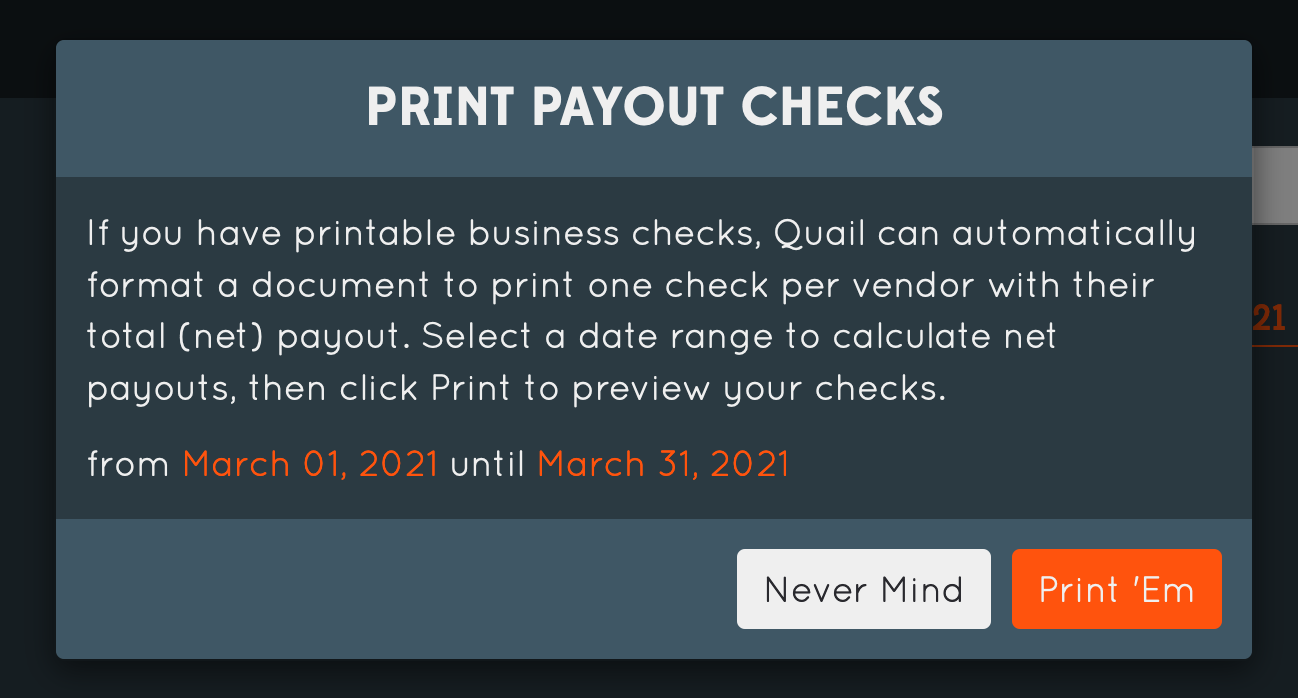
I was going to show you a picture of the printed checks here, but unfortunately all of the checks we had handy for testing have, uhh, actual bank details on them. And my friend the Nigerian prince tells me that it’s not a great idea to put those out on the internet.
We know blank checks aren’t free, so I’d definitely suggest printing off a trial check on plain paper first to make sure you’ve got your printer settings right — you want to “fill entire page”, not “print entire image”. And wherever you’re ordering your blank checks from (again, try the Quickbooks checks from ChecksUnlimited, make sure they’re compatible with Quickbooks’ check layout. Should be pretty standard stuff, but drop us an email at support@quailhq.com if you have any trouble and we’ll help you find the checks you need.